A simple starter theme with an ITCSS Sass files organisation, a flexbox grid and modular typography
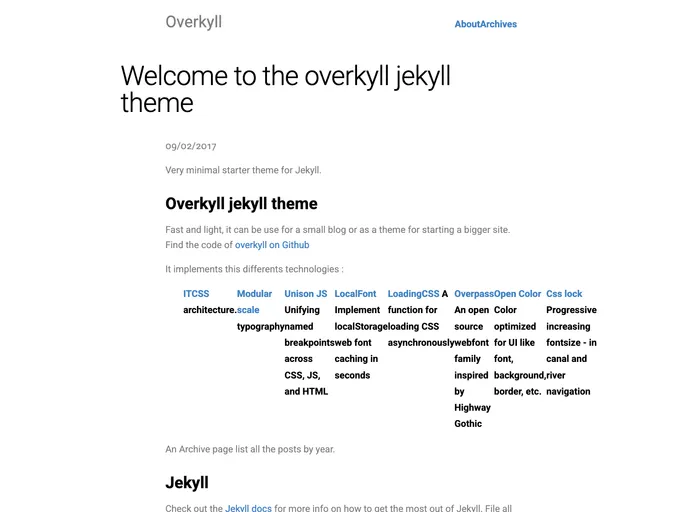
The Overkyll Jekyll Theme is a fast and light theme that can be used for both small blogs and larger websites. It implements various technologies such as ITCSS architecture, modular scale typography, Unison JS for unifying named breakpoints, LocalFont for web font caching, LoadingCSS for loading CSS asynchronously, Overpass font family, and Open Color for color optimization. The theme can be found on GitHub for easy access to the code.
To install the Overkyll Jekyll Theme, follow these steps:
jekyll new mysite
cd mysite
gem install jekyll bundler
gem "minima" with gem "overkyll-jekyll-theme" in the Gemfile._config.yml file and change the line theme: minima to theme: overkyll-jekyll-theme.bundle exec jekyll serve
For migrating an existing site to the Overkyll Theme, make sure you have upgraded to at least Jekyll 3.3. Then follow the same steps as above, starting from step 5.
If you are using Jekyll 2.x, download the Overkyll Theme from GitHub, move into its directory, install required gems, and verify the installation by running bundle exec jekyll serve and browsing http://localhost:4000.
The Overkyll Jekyll Theme is a lightweight and feature-rich theme for Jekyll websites. It offers a range of technologies and optimizations for improved performance and design. Installing the theme is straightforward, and it can be used for both new sites and migrating existing ones. With its ITCSS architecture, modular scale typography, and various other features, Overkyll provides a solid foundation for building blogs and websites.

