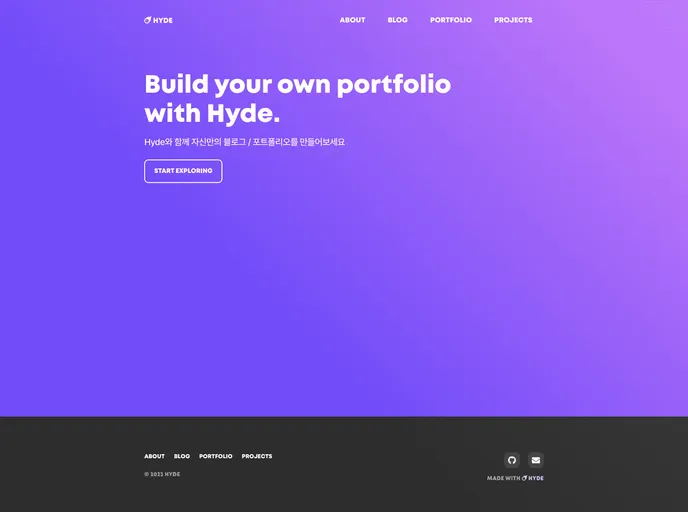
개인 블로그 / 포트폴리오 템플릿입니다.
This is a personal blog/portfolio created using Hyde Jekyll. It is a Ruby-based platform that requires Ruby 2.4 or higher to be installed. The website has various configurable settings in the _config.yml file, including the title, description, URL, GitHub username, email, Google Analytics tracking ID, and comments settings. The theme also provides the option to add personal information in the _data/authors.yml file, create new tags in the _tags directory, and add portfolio projects in the _data/portfolio.yml file and _projects directory.
_config.yml file including title, description, URL, GitHub username, email, Google Analytics tracking ID, and comments settings._data/authors.yml file._tags directory._data/portfolio.yml file and _projects directory.To install the Hyde Jekyll theme, follow these steps:
_config.yml file by updating the following settings:title: The name displayed throughout the website (navigation bar, footer, etc.).description: The initial description displayed on the homepage.url: The URL of the website.github: Your GitHub username.email: Your email address.google_analytics: Your Google Analytics tracking ID.comments: Configure the comment settings for the blog.robots.txt: Update the URL to match your site’s URL.assets/images/site.webmanifest: Customize the content to match your site.This is a personal blog/portfolio theme created using Hyde Jekyll, a Ruby-based platform. It offers various customizable settings through the _config.yml file and provides options to add personal information, create tags, and showcase portfolio projects. The theme requires Ruby 2.4 or higher to be installed. The installation process involves modifying the configuration file and updating other relevant content.

