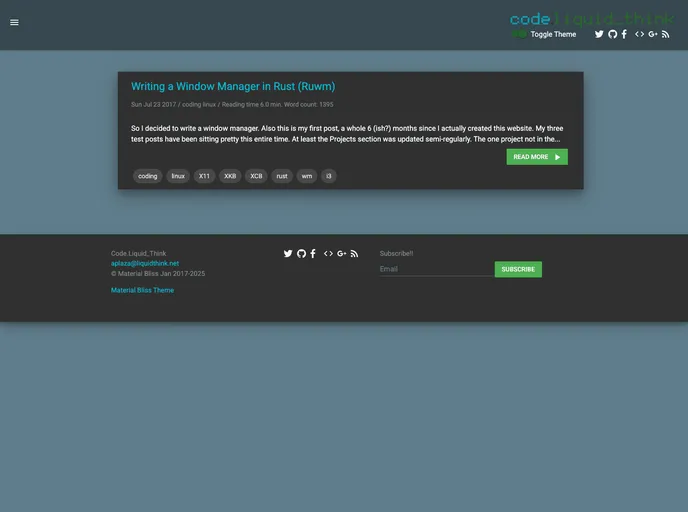
A Material Theme for Jekyll created with React, Redux, and React-Router transpiled with Webpack
The Material Theme for Jekyll is a website theme created using React, Redux, React-Router, and Webpack. It offers two themes (light and dark) and is fully responsive for most devices. The theme includes features such as dynamic fuzzy search, a push-out menu, and a dynamic project page layout. It is optimized for performance and includes a RESTful-like API. The theme allows for the creation of static or dynamic pages and is easy to install and use.
To install the Material Theme for Jekyll, follow these steps:
npm install in the command line.ROOT_URL variable in the actions/index.js file with your site’s URL._config.yml file under the react section.menu_items.js file to render them in the push-out menu.npm run start in the command line.npm run build in the command line.npm run build-dev and npm run jekyll in separate terminals for development purposes.The Material Theme for Jekyll is a versatile and visually appealing theme built with React and other modern web technologies. It offers a choice of light and dark themes, a responsive design, dynamic search functionality, and a push-out menu. The theme is highly optimized for performance and includes a RESTful-like API for easy integration with other platforms. With the ability to create static or dynamic pages and an easy installation process, the Material Theme for Jekyll is a great option for developers looking to build a modern and user-friendly website.