Overview:
J1 Theme is a powerful web template that combines the best of OpenSource software for the web with the website generator Jekyll. It is fully responsive and supports modern web browsers on all devices, providing excellent performance for desktop and mobile websites. With J1 Theme, you can easily create modern web pages in minutes without the need for programming.
Features:
- Fully Responsive: Works well on PCs, Tablets, and Smartphones.
- Full Bootstrap V5 Support: Utilizes the latest technology and design.
- Easy to Get Started: No programming skills required.
- Powerful Static Web Creation: Secure, flexible, and fast.
- OpenSource and Free: No license issues for private or professional use.
- Jekyll V4 Support: Compatible with the latest version of Jekyll.
- Ruby V3 Support: Supports the newest Ruby version.
- Asciidoc and Markdown Support: Allows for multiple markup options.
- Responsive Design: Adjusts to different screen sizes.
- Full-text Search: Includes a search engine for easy content discovery.
- Compressed HTML, CSS, and JavaScript: Optimizes website performance.
- Themes Support: Customizable themes for a personalized look.
- Icon Font Support: Integrates with popular icon fonts.
- Source Code Highlighting: Highlights code snippets for readability.
- Desktop and Mobile Web Navigation: Ready-to-use navigation menus.
- Blog Post Navigation: Makes it easy to navigate through blog posts.
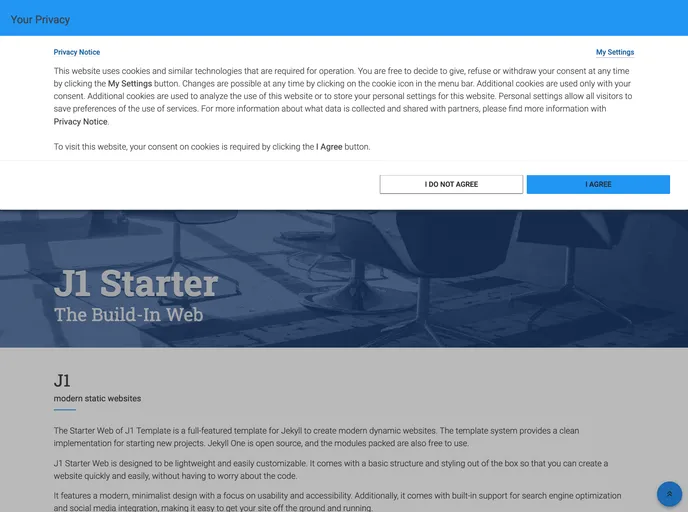
- GDPR Compatible: Includes a Cookie Consent module.
- Translator Module: Integrates with Google Translator for multi-language support.
- Various Addons: Including advanced banners, panels, lightbox, gallery, carousel, and more.
Installation:
To install J1 Theme, follow these steps:
- Download the theme files from the official J1 Theme website.
- Extract the downloaded ZIP file to your desired location.
- Open your favorite text editor and navigate to the extracted folder.
- Modify the
_config.yml file to configure your site settings. - In your terminal, navigate to the theme folder and run the following command:
bundle install - After the installation is complete, run the command
bundle exec jekyll serve to start the local development server. - Open your web browser and visit
http://localhost:4000 to see your J1 Theme site in action.
Summary:
J1 Theme is a feature-rich web template that combines the power of Jekyll with Bootstrap to create modern and responsive websites. With its easy installation process and a wide range of customizable features, J1 Theme is suitable for both private and professional use. Whether you’re a beginner or an experienced web developer, J1 Theme provides the tools you need to create stunning static websites with ease.