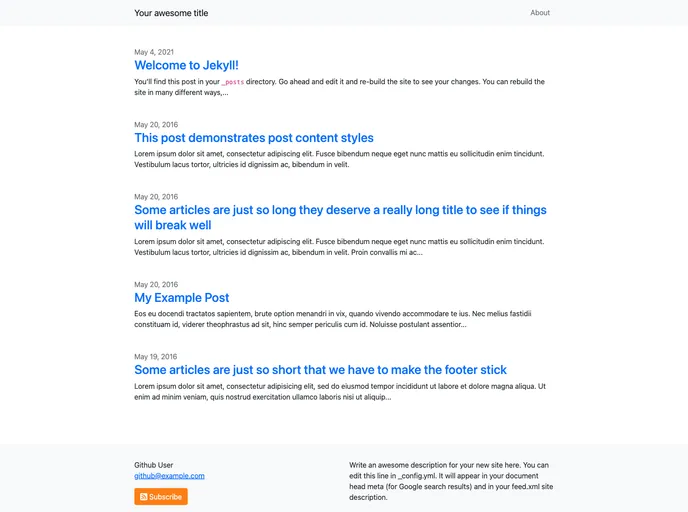
A basic but extensible Jekyll theme based on Bootstrap 5.
The jekyll-bootstrap-theme is a basic but extensible Jekyll theme based on Bootstrap 5. It comes with pre-made layouts and includes code snippets that can be easily customized.
gem 'jekyll-bootstrap-theme'
Then, add this line to your site’s _config.yml:
theme: jekyll-bootstrap-theme
Finally, execute the following command:
bundle install
:jekyll_plugins group in your Gemfile:gem 'jekyll-remote-theme'
Then, run bundle to install the plugin. Next, add the following to your site’s _config.yml to activate the plugin and select the jekyll-bootstrap-theme:
plugins:
  - jekyll-remote-theme

remote_theme: jekyll-bootstrap-theme
Optionally, you can specify a release, branch, or tag to lock the theme version in place.
The jekyll-bootstrap-theme is a simple and customizable Jekyll theme based on Bootstrap 5. It offers multiple layout options and includes code snippets for easy styling. The theme can be installed either through the Gemfile method or as a remote_theme for GitHub Pages users.

