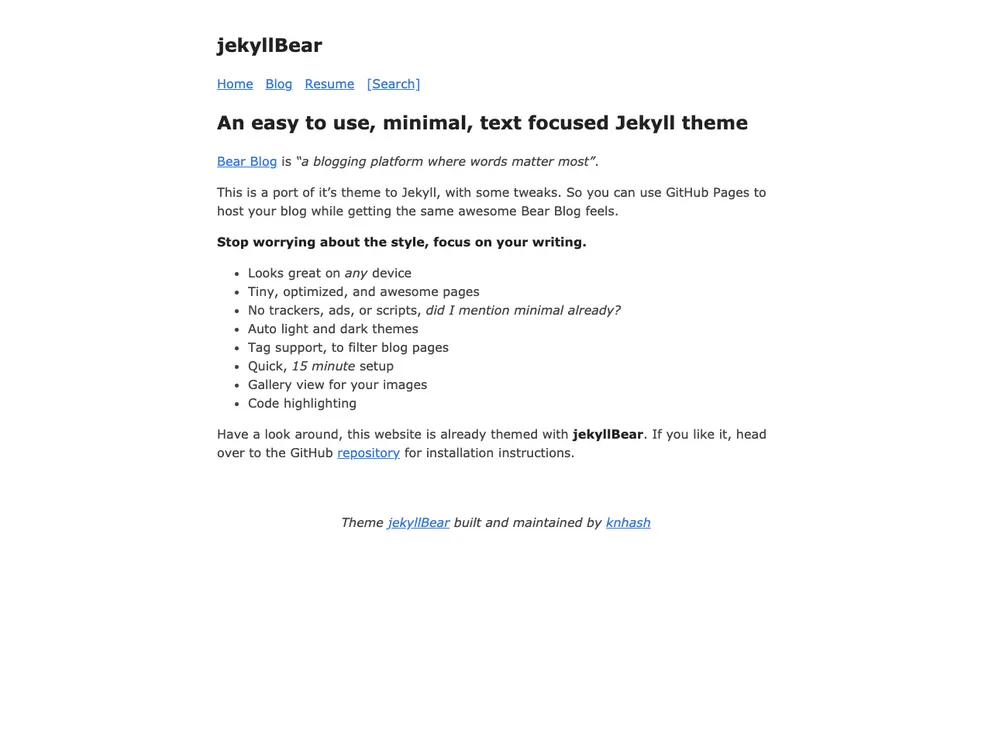
An easy to use, minimal, text focused Jekyll theme
JekyllBear is a minimal and text-focused Jekyll theme that aims to provide users with an easy-to-use blogging platform. It is a port of the Bear Blog theme, with some additional tweaks. The theme allows users to host their blog on GitHub Pages while maintaining the same awesome look and feel of the original Bear Blog. With JekyllBear, users can worry less about the style and focus more on their writing. The theme is designed to look great on any device and offers fast-loading pages that are optimized for performance.
To install JekyllBear theme, follow these steps:
Add the following line to your Jekyll site’s Gemfile:
gem 'jekyllBear'
Add the following lines to your Jekyll site’s _config.yml file:
theme: jekyllBear
Execute the following command in your terminal:
bundle install
Alternatively, you can install the theme manually by:
_config.yml file by copying over the relevant lines from the theme’s repositoryJekyllBear is a minimal Jekyll theme that offers a text-focused and easy-to-use blogging platform. It is a port of the Bear Blog theme, with some additional tweaks. With JekyllBear, users can easily set up their blog using GitHub Pages and focus on their writing without worrying about the style. The theme is optimized for performance, offers tag support for filtering, and includes features like auto light and dark themes, gallery view for images, and code highlighting. Installing the theme is a straightforward process, either through the Gemfile or by manually copying over the necessary content and configurations. JekyllBear is available as open source under the MIT License.

