My Jekyll Blog
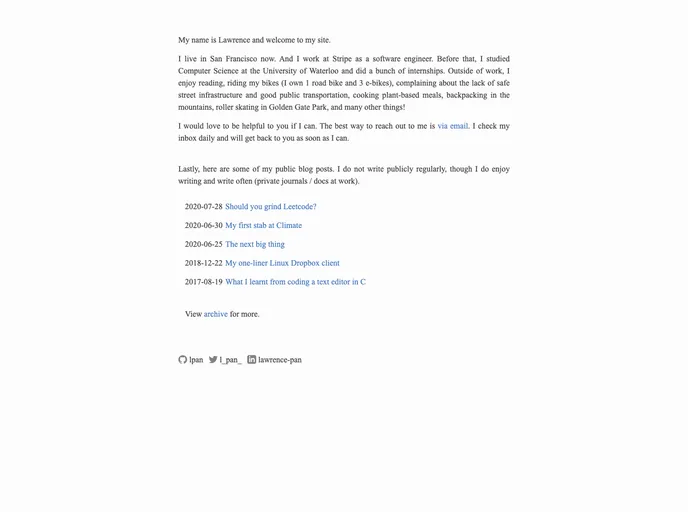
The “My Jekyll Blog” is a Jekyll theme that forms the source of lpan.io, a personal website. It is designed to provide a ready-to-use template for individuals who want to create their own Jekyll-based blogs or websites.
To install the “My Jekyll Blog” theme, follow these steps:
bundle install
git clone [theme_repository_url]
Replace [theme_repository_url] with the actual URL of the theme repository. 5. After the repository is cloned, navigate into the theme directory.
cd [theme_directory]
Replace [theme_directory] with the name of the theme directory. 6. Launch the Jekyll server by running the following command:
bundle exec jekyll serve
The “My Jekyll Blog” theme provides a simple and customizable solution for individuals looking to create their own Jekyll-based websites. With its easy installation process and responsive design, users can quickly set up their websites and showcase their content effectively.