Scaffolding to start with a Jekyll website
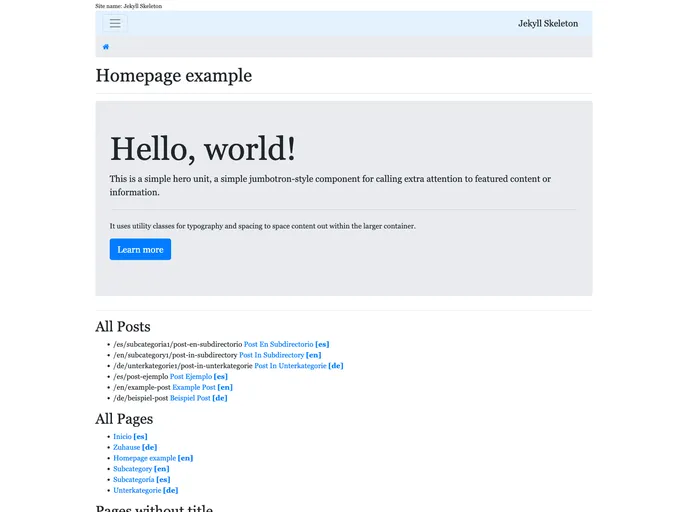
Jekyll-Skeleton is a basic Jekyll site that serves as a starting point for creating new websites. It provides a blank template without any themes or example posts, allowing users to customize it according to their needs. The site uses a minimalistic design to showcase the website navigation and demonstrate how to add posts and categories.
To install Jekyll-Skeleton, follow these steps:
git clone [repository_url]
yarn install
Jekyll-Skeleton is a basic Jekyll site that serves as a starting point for creating new websites. It provides useful features such as sitemap generation, multilanguage support, and easy customization of Bootstrap 4 variables. By cloning the repository and customizing it, users can quickly create their own websites without having to build everything from scratch.

