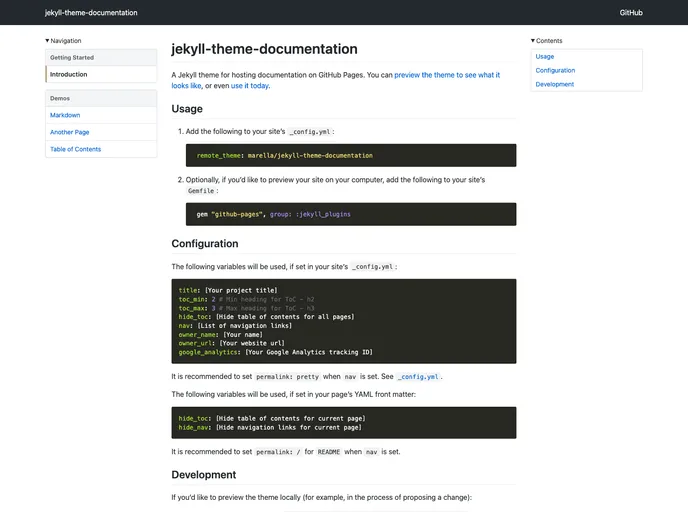
A Jekyll theme for hosting documentation on GitHub Pages.
The Jekyll Theme Documentation is a theme designed for hosting documentation on GitHub Pages. It provides users with a clean and organized layout to showcase their documentation. Users can preview the theme to see how it looks and easily use it for hosting their documentation.
To install the Jekyll Theme Documentation, follow these steps:
Add the following code to your site’s _config.yml file:
theme: jekyll-theme-documentation
Optionally, if you want to preview your site on your computer, add the following code to your site’s Gemfile:
gem "jekyll-theme-documentation", "~> 0.1"
Configure the necessary variables in your site’s _config.yml file:
permalink: pretty when nav is set.Configure the necessary variables in your page’s YAML front matter:
permalink: / for README when nav is set.The Jekyll Theme Documentation is a user-friendly and visually appealing theme for hosting documentation on GitHub Pages. With its clean and organized layout, users can easily showcase their documentation and navigate through it effortlessly. The theme is also customizable and responsive, ensuring a seamless viewing experience on both desktop and mobile devices. To install the theme, follow the provided installation guide and configure the necessary variables in your site’s _config.yml and page’s YAML front matter.

