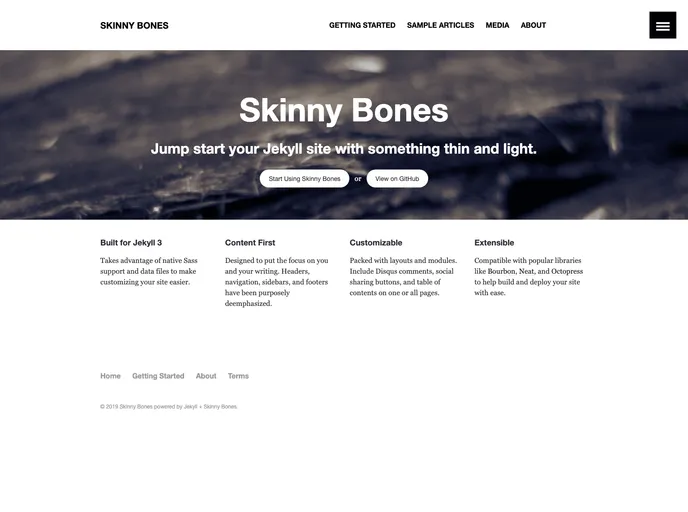
A Jekyll starter with a variety of flexible layouts and components.
Skinny Bones Jekyll Starter is a minimalist theme designed to jump start a website refresh using Jekyll. It intentionally keeps the styling minimal to allow for easy customization and personalization.
To install the Skinny Bones Jekyll Starter theme, follow these steps:
git clone https://github.com/mmistakes/skinny-bones-jekyll.git
Customize the theme by modifying the necessary files, such as the navigation and footer data files.
Build and serve your Jekyll site:
bundle exec jekyll serve
http://localhost:4000 in your browser to see the live preview of your site.Skinny Bones Jekyll Starter is a minimalist Jekyll theme that provides a clean and simple starting point for building your own website. Its compatibility with Jekyll and GitHub Pages, along with its customization options and optional features, make it a versatile choice for users looking to refresh their websites with ease.