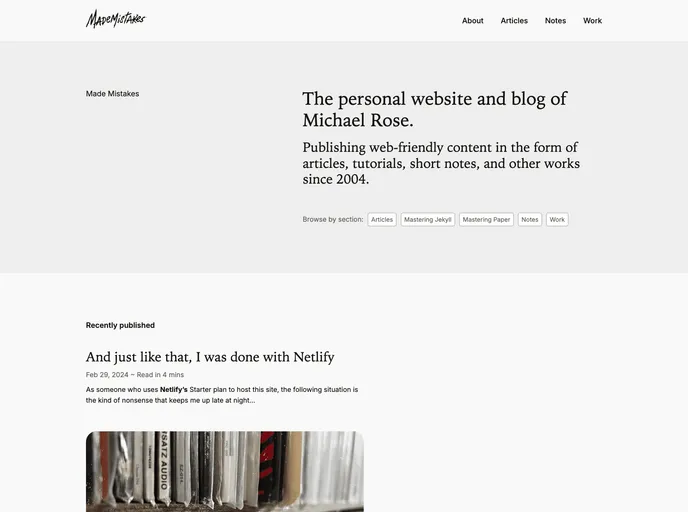
Deprecated source for mademistakes.com. Previously built with Jekyll, Gulp, and Netlify.
Overview:
The Made Mistakes Source Code is the source code for the personal blog and portfolio called Made Mistakes. It is built with Jekyll, Gulp, and Netlify. This source code is not “themed” like some other Jekyll repositories and requires substantial alterations to be compatible with the “default” GitHub Pages workflow.
Features:
- Jekyll Sitemap: Generates a sitemap for the website, supported by GitHub Pages.
- Jemoji: Allows the use of emoji in the content.
- Jekyll Paginate v2: Provides pagination functionality for blog posts.
- Jekyll TOC: Generates a table of contents for the pages.
- Images: The image assets are stored in a separate repository as a Git submodule. Feature images should be placed in the src/assets/images/feature directory.
- Content helpers: Includes helpers for displaying notices and generating figure elements with captions and class parameters.
- Lazyload: Provides lazy loading functionality for images.
- Responsive video embed: Allows embedding responsive videos from YouTube or Vimeo.
Installation:
To install the Made Mistakes source code, follow these steps:
- Clone the repository to your local machine:
git clone <repository_url> - Install the required dependencies by running the following command in the project directory:
npm install - Build the CSS and JS assets by running the following command:
gulp build - Start the local development server by running:
jekyll serve - Access the website on your local machine by visiting:
http://localhost:4000
Summary:
The Made Mistakes Source Code is a personal blog and portfolio built with Jekyll, Gulp, and Netlify. It includes various features such as sitemap generation, emoji support, pagination, table of contents generation, lazy loading of images, and responsive video embedding. Installing the source code requires cloning the repository, installing dependencies, building assets, and running a local development server.