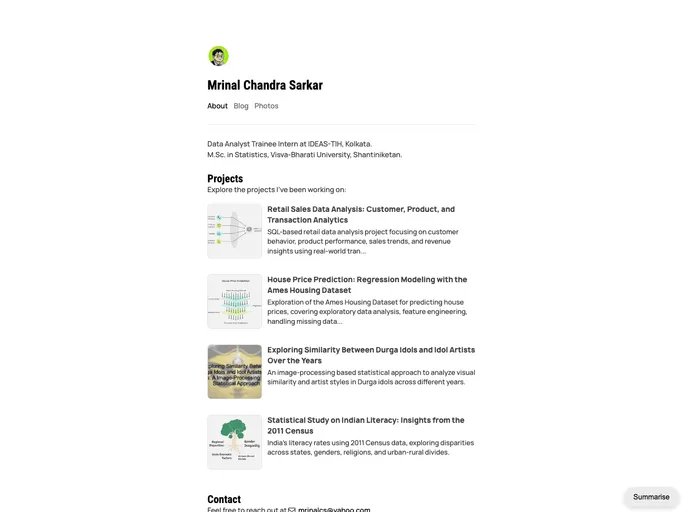
Github page
The content is a guide for installing and customizing a blog theme. It provides instructions for cloning the repository and running the blog locally. It also mentions how to customize the blog by updating the configuration file and modifying the layout. The content concludes by stating that the theme can be used freely but emphasizes not to copy blogs or images directly.
To install the blog theme, follow these steps:
git clone [repository URL]bundle exec jekyll serveThe content provides a guide for installing and customizing a blog theme. It emphasizes the ease of installation and the ability to customize the theme to suit individual preferences. It also highlights the freedom to use the theme but cautions against directly copying blogs or images.

