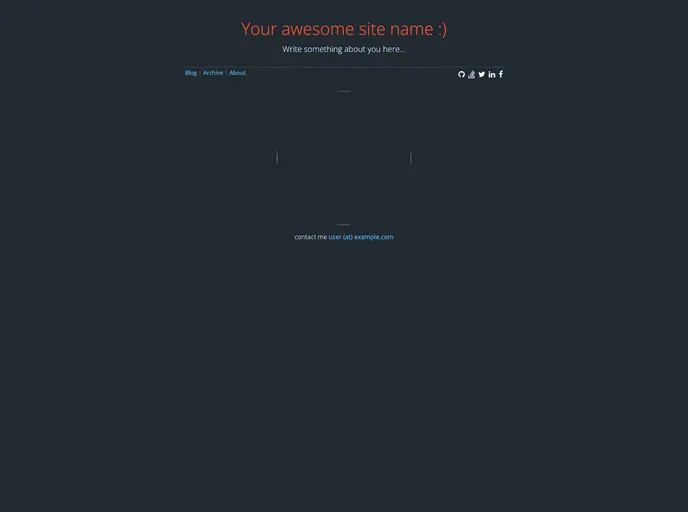
Jekyll theme
Autm-rb is a theme for Jekyll, a popular static site generator. It provides a clean and modern design for websites built with Jekyll. This theme is designed to be customizable, allowing users to easily modify various aspects of the theme to suit their needs. Autm-rb is licensed under the MIT license.
_config.yml file and files inside the _data/ directory.To install the Autm-rb theme, follow these steps:
_config.yml file and customize it according to your preferences._data/ directory to configure specific sections of the theme.bundle install to install any necessary dependencies.jekyll serve.Autm-rb is a customizable theme for Jekyll that offers a clean and modern design. With its multiple screens and easy customization options, it provides a versatile solution for creating static websites. The theme is licensed under the MIT license, allowing users to freely use and modify it for their projects.

